What gets indexed
Index fields are matched to the office and the records being digitized.
- Patient, client, or matter name
- Document type
- Dates and years
- Software-ready tags or folder structure
ArchiveBridge applies OCR, naming, tagging, and indexing so your staff can search old records by text, patient, client, matter, year, document type, and date.
Searchable records, organized around your office.
A folder full of unnamed PDFs just moves the mess from paper to a drive. Searchable PDF and OCR delivery makes the archive searchable, sortable, and ready for daily use.
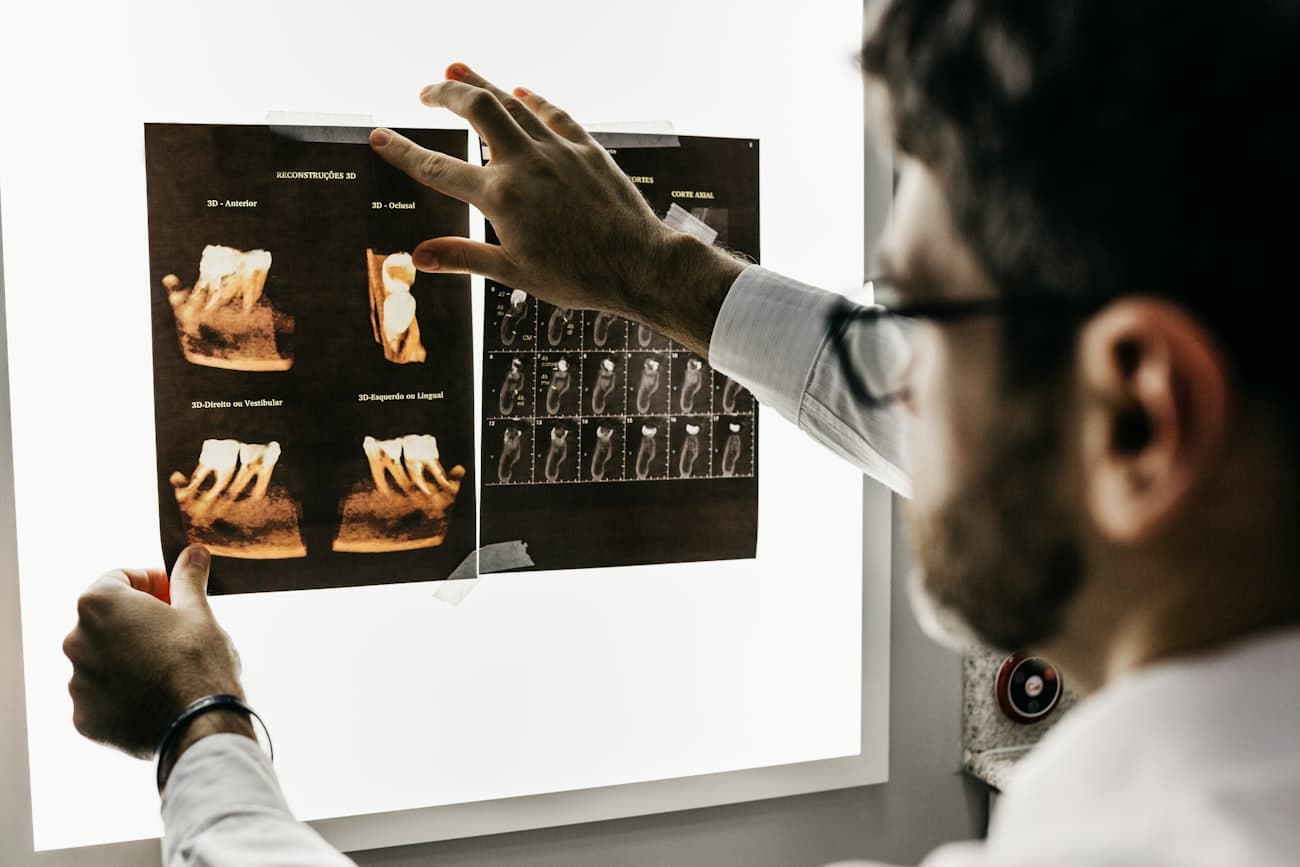
Index fields are matched to the office and the records being digitized.
OCR makes records searchable. When you need image exports instead of PDFs, scanned pages can also be delivered as JPG, PNG, or TIFF files.
The archive is organized around the way staff actually searches, not a generic warehouse naming convention.
Standard PDF packages for organized records, folders, and handoff archives.
OCR-processed files that let staff search text inside scanned records.
Image formats for workflows that need individual page images or visual review.
Naming, foldering, and metadata prepared for your software or storage workflow.
ArchiveBridge is built for onsite document scanning across Los Angeles, Orange County, San Diego, Riverside, San Bernardino, Ventura, and Santa Barbara.